
Where to find your invoices
How to find your invoices
All your Sush.io invoices are available directly from the app, so you can download them whenever you need them for your records or your accountant.
- Go to the automations list page.
-
Find the automation you want and click on Subscription.
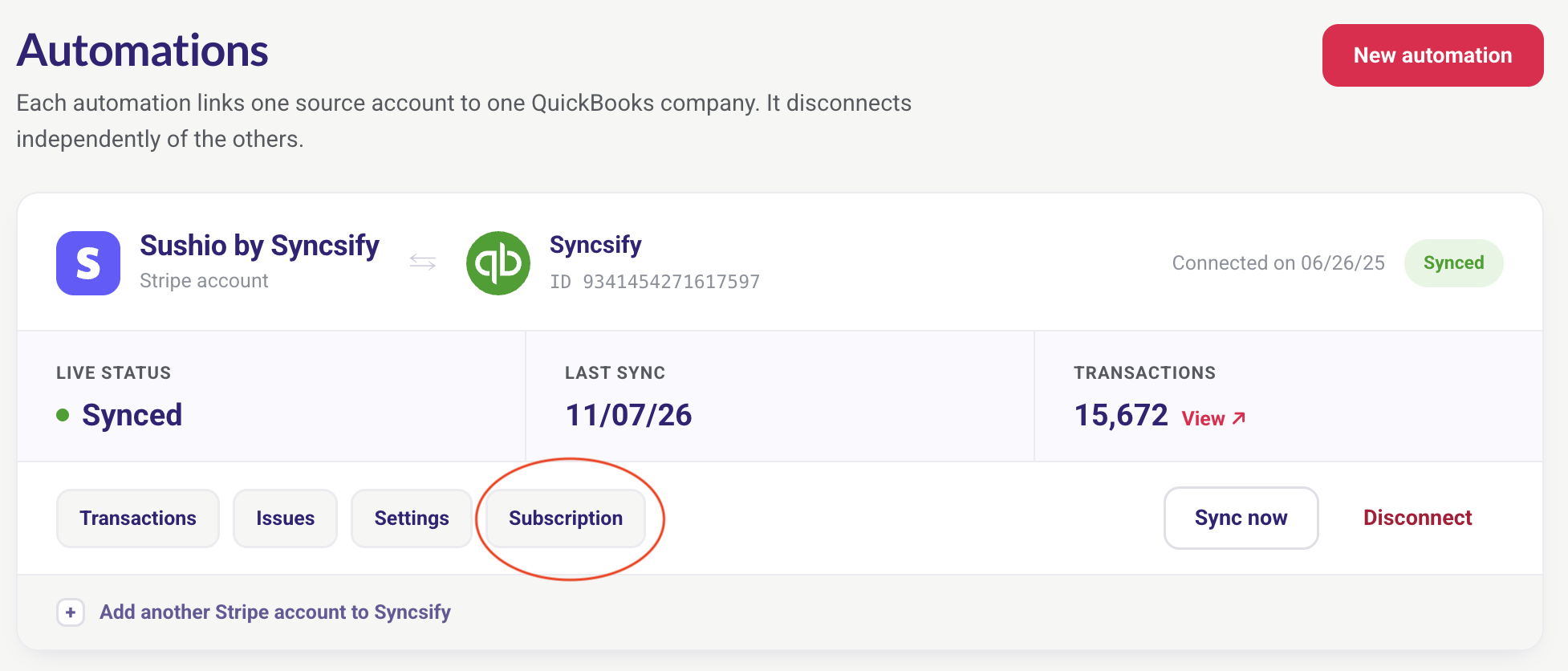
Automations list - Your current subscription details are displayed. Click on Manage Billing.
- You’ll be redirected to your billing account, where you can view and download all your invoices.

Can’t find what you’re looking for? Contact us at support@sush.io and we’ll be happy to help.