
Can I sync my data from several months ago?
Yes. When you set up an automation, you choose the date the sync starts from. It can be months in the past: Sush.io then records your history in QuickBooks Online, then keeps syncing every day.
How to choose the start date
The first step of the setup, Period, asks for the Sync start date. It is set to today by default: pick an earlier date to sync your history. No transaction dated before this day is sent to QuickBooks Online.
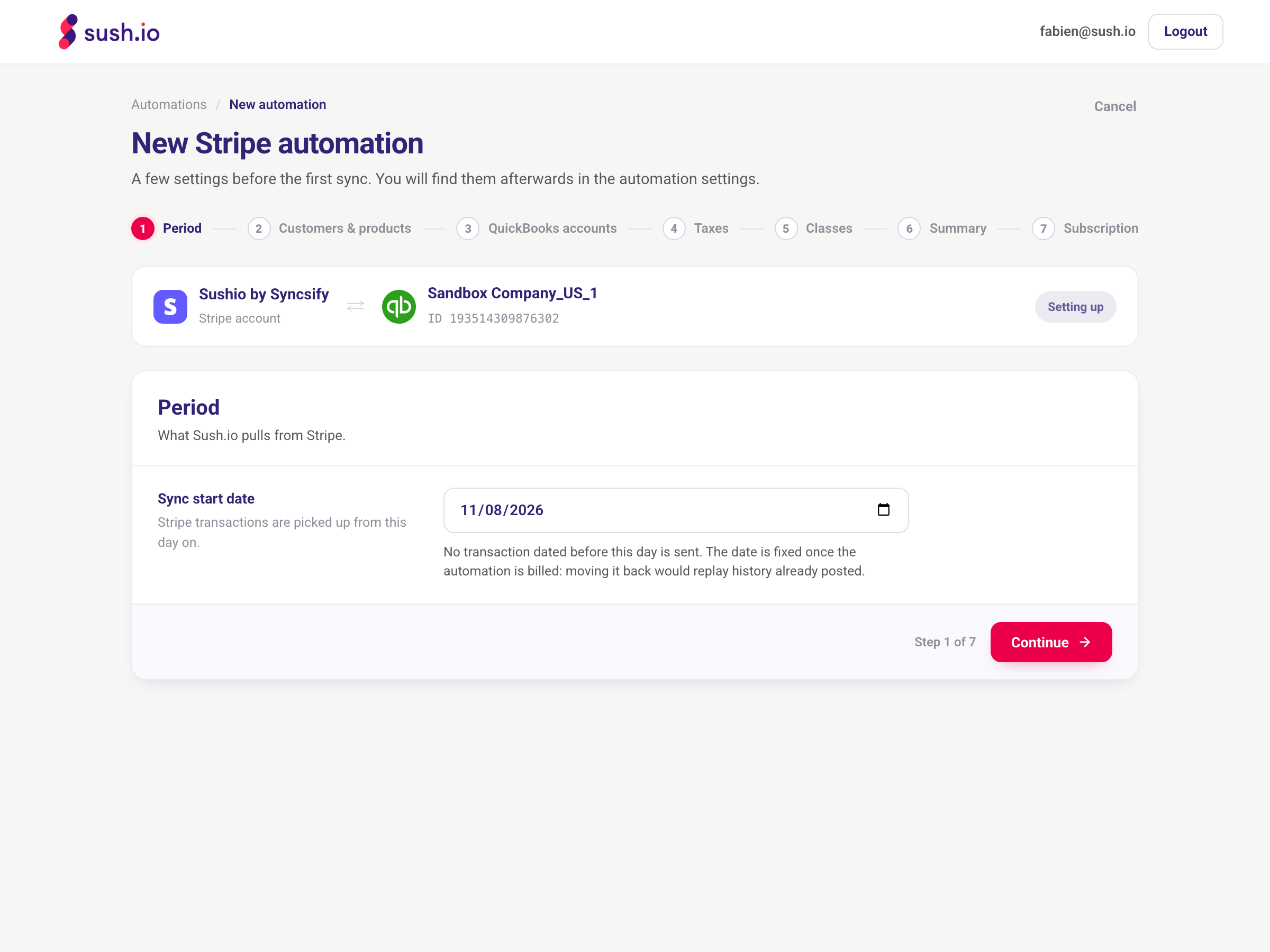
Until your subscription starts, you can come back to this step and change the date.
Before you pick a date in the past
- Check what is already in QuickBooks Online. If these transactions were already entered by hand, by your bank feed or by another app, they would be recorded twice.
- A long history takes longer to sync: up to a few hours for thousands of transactions. You can follow it on the Automations page.
Changing the date after the automation is billed
Once the automation is billed, the start date is fixed: moving it back would replay history already posted to QuickBooks Online. If you need a different start date, contact us: we can reset the synced history and restart the sync from the right date.
Please don't disconnect your automation and create a new one to change the date: the transactions already synced would stay in QuickBooks Online and some would be recorded twice.
Need help?
Contact us through the Need help? button in the app.